
Mundo World Model: Turning Room Photos Into a World You Can Simulate
Take a few photos of a room. Now imagine asking a robot to cross it, open a drawer or put a bag on the bed. Where does the robot walk? What does it bump into? What should the room look like from behind the chair?
That is the problem Mundo is working on. A world model is an AI system that represents an environment and how it changes. Mundo starts with images of a particular place and builds a version that can be explored and changed.
The team’s announcement appeared on 23 October. Its official project page shows room reconstruction, object interactions and robot simulations. There is a GitHub repository, too, although the code and model files are still scheduled for the end of November.
Start with the room, then ask what happens inside it
Think about a hotel room with a bed, a desk and a chair partly blocking the doorway. A photograph tells you what is visible from one position. Planning a route through that room requires an understanding of the space between those objects.
For a robot, that difference matters. A route that looks clear in an image might run through the corner of a desk. A drawer needs space to open. A bag placed on a bed needs a surface that supports it.
Mundo’s project includes examples of navigation and manipulation, meaning a robot moving through a space and handling objects. The useful question running through these examples is whether the reconstructed place can support a sequence of actions.
You can see why this would interest someone building a robot for a hotel, hospital or warehouse. Before asking a machine to operate around people, a developer would want somewhere to examine its intended behaviour. A simulated environment could provide one part of that testing process.
How Mundo puts the pieces together
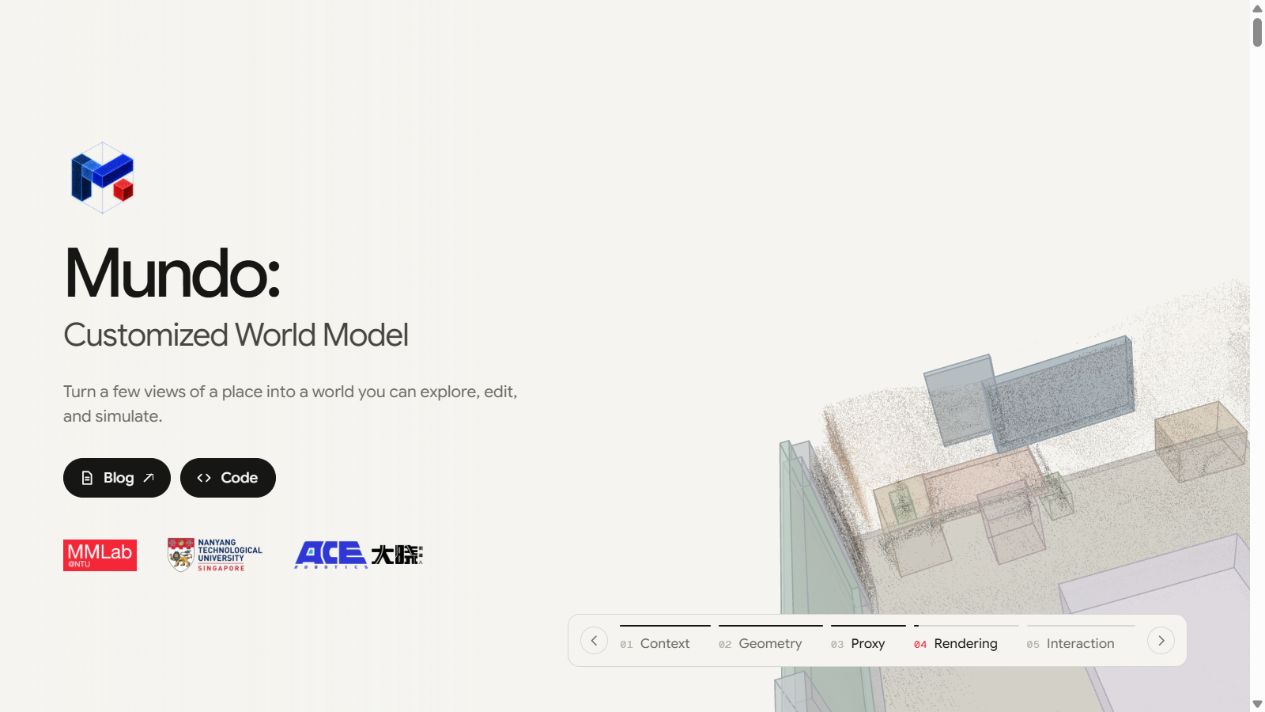
Mundo builds a simplified three-dimensional scene from the input views. Boxes stand in for objects and record their positions and sizes. The scene is stored in a program that can describe objects and their physical properties.
A physics simulator works out movement and contact. A video model then produces the appearance of the scene, guided by the simulation and the original images. The team’s technical explanation describes the reconstruction, simulation and rendering stages in detail.
That division is worth understanding. Suppose you move a chair. Its new position affects the available walking space. A camera travelling past it will also reveal a different view. Keeping those changes connected is a useful engineering problem, especially when several actions happen in sequence.
It also gives you a way to examine a demonstration. Follow one object through the scene. Does it stay where the earlier action left it? When the camera moves, does the available space still make sense? Questions like these help you look beyond the overall visual impression.
The hotel-room example makes the opportunity concrete
Imagine a Bengaluru robotics team evaluating a luggage-carrying assistant. This is a hypothetical use case. The team photographs a sample room, identifies the entrance and bed, and plans a route between them.
Its first concern might be clearance. Can the robot pass the chair while carrying a bag? Next comes the placement: can it reach the bed without hitting the desk? Then someone moves the chair and repeats the task.
Each change should have an observable consequence. If the doorway becomes blocked, the proposed route should change or fail. If the bag is too wide for a gap, the test should expose that problem. These are the kinds of checks that would make a room simulation useful to a delivery team.
A convincing result would still need comparison with the actual room and hardware. Camera measurements, object dimensions and the robot’s movements all affect whether a simulated task transfers successfully.
Can you run Mundo today?
As of 24 October, the official Mundo repository lists code and model files as a planned end-November release. The public material currently supports studying the approach and its demonstrations. An installation walkthrough will have to wait for the release.
The authors report reconstruction taking roughly 10–20 minutes for their example scenes. Their stated rendering speed is around 1.5 frames per second on eight A800 graphics processors. They also describe difficulties with small-object interactions and remembering scene details after extended changes.
Those details matter when choosing a project. Anyone planning a student demo needs to consider available computing resources and how quickly a result must appear. For interactive robotics work, a delay between changing an action and seeing its outcome affects the whole experiment.
What an AI learner can take from it
Mundo offers a useful system to study while the release is pending. Trace what information each stage receives, what it produces, and how an error could travel into the next stage. A misplaced object early on could affect route planning and the final video.
For Indian learners moving towards applied AI work, that habit is valuable: examine how the parts cooperate and decide how you would check the result. BuildAI Careers, which publishes this newsletter, offers an AI Applied Engineering course for readers exploring application building and evaluation.
When Mundo’s code arrives, the first experiment I would suggest is a small room with a few measured objects. Change one position, repeat one task, and check whether the result follows the change. That would give a learner something specific to investigate and explain.